Fixing Uptime Monitoring Alerts for a Flask API with Background Tasks
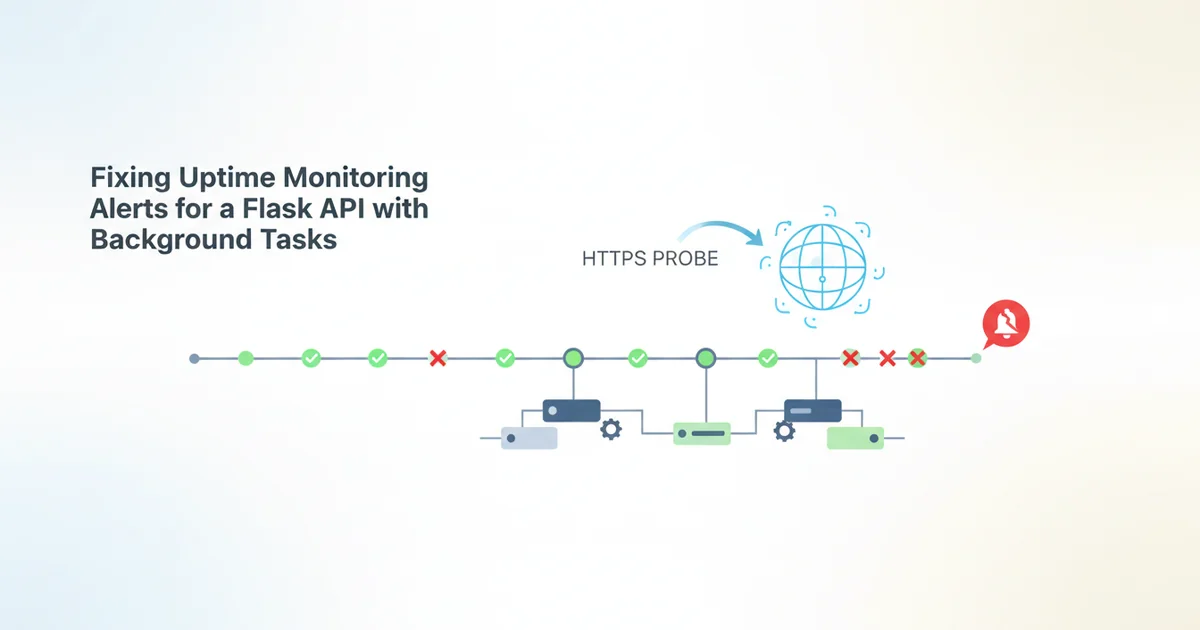
You've built a robust Flask API, diligently handling incoming requests and serving data. You've also set up uptime monitoring, perhaps pointing a simple HTTPS probe at your root endpoint, ensuring it returns a 200 OK. All good, right? Not necessarily.
If your Flask application relies on background tasks – common for things like sending emails, processing images, generating reports, or integrating with third-party APIs – a simple 200 OK from your main API endpoint doesn't tell the whole story. Your API might be perfectly responsive, but if your background workers are down, stuck, or unable to connect to their job queue, critical parts of your application are silently failing. This is a common blind spot in many monitoring setups, leading to delayed incident response and unhappy users.
This article will guide you through designing and implementing a comprehensive health check for your Flask API, specifically addressing the health of your background task infrastructure. We'll then show you how to configure Tickr to leverage this advanced check, ensuring you get alerted when it truly matters.
The Problem with Basic "200 OK" Checks
Let's say you have a Flask API that accepts user uploads, queues them for processing by a Celery or RQ worker, and then sends an email notification. Your standard uptime monitor might hit https://api.yourdomain.com/ every minute, expecting a 200 OK.
The Flask application process itself could be running perfectly fine. It can serve the root endpoint, handle new uploads, and even successfully queue jobs to Redis or RabbitMQ. But what if:
- The background worker process has crashed?
- The worker can no longer connect to the job queue (e.g., Redis went down)?
- The worker is stuck in a loop, unable to process jobs?
- The job queue is rapidly growing, indicating a backlog that workers aren't keeping up with?
In all these scenarios, your API might still return a 200 OK on its main endpoints, giving you a false sense of security. Users might successfully upload files, but those files are never processed, and emails are never sent. You remain blissfully unaware until a user complains or a business metric tanks. This "silent failure" is precisely what we want to prevent.
Designing a Health Check for Background Tasks
To effectively monitor your background task system, your health check endpoint needs to do more than just confirm the Flask process is alive. It needs to actively verify the health of the critical components involved in background task execution.
Consider these aspects when designing your /healthz or /status endpoint:
- Connectivity to the Job Queue: Can your Flask app (or the health check itself) successfully connect to Redis, RabbitMQ, or whatever message broker you're using?
- Worker Presence and Activity: Are there active background workers registered with the queue? Are they actually pulling jobs, or are they idle when they shouldn't be?
- Queue Depth: Is the job queue growing excessively, indicating workers are falling behind? While not a "down" state, a rapidly growing queue is a strong indicator of degraded service.
- Critical External Dependencies: Do your background tasks rely on specific external services (e.g., an S3 bucket, a specific database, a third-party API)? Your health check might need to perform a lightweight probe of these dependencies.
The goal is to create an endpoint that returns a 200 OK only if all critical components are healthy, and a 503 Service Unavailable with diagnostic details if anything is amiss.
Implementing the Health Check Endpoint in Flask
Let's illustrate with a concrete example using Flask and RQ (Redis Queue), a popular choice for simple background tasks in Python.
Our health_check endpoint will:
1. Attempt to PING Redis to verify connectivity.
2. Check for the presence of active RQ workers.
3. Report on the current queue length.
```python from flask import Flask, jsonify from redis import Redis from rq import Connection, Worker, Queue import os
app = Flask(name)
Configure Redis connection (replace with your actual config)
REDIS_HOST = os.getenv("REDIS_HOST", "localhost") REDIS_PORT = int(os.getenv("REDIS_PORT", 6379)) REDIS_DB = int(os