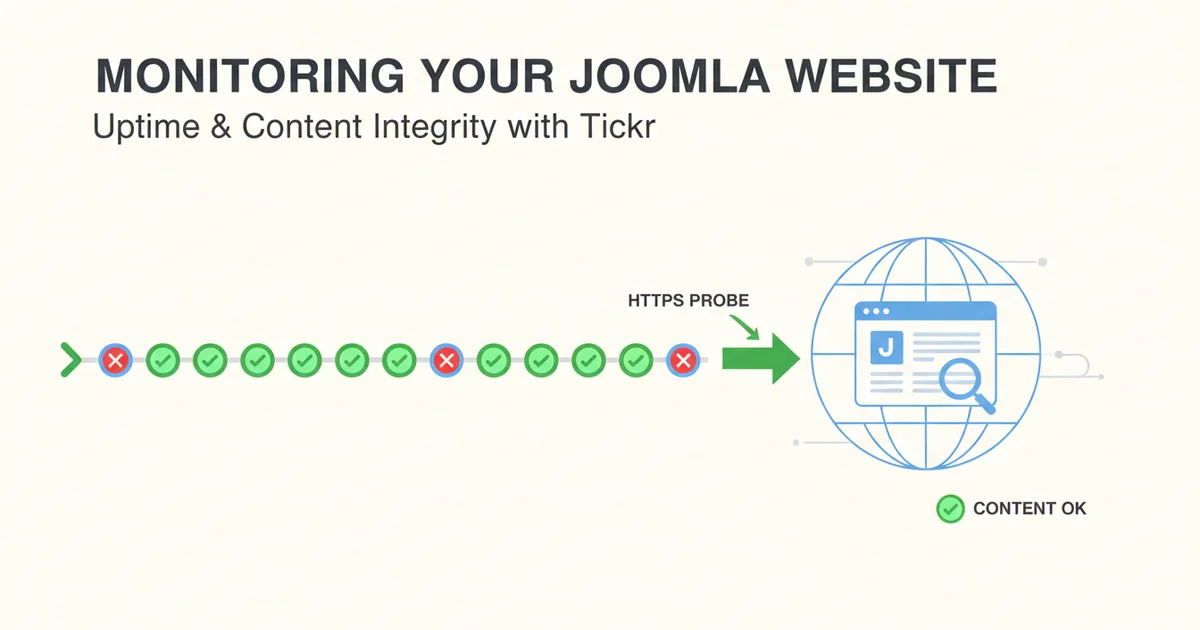
Monitoring Your Joomla Website for Uptime and Content Integrity with Tickr
Joomla is a powerful and flexible content management system, but like any web application, it's susceptible to downtime and content issues. From database connection problems to misbehaving extensions or even simple server outages, a Joomla site can appear "up" while still delivering a broken or incomplete user experience. Relying solely on basic server pings isn't enough. As an engineer responsible for a Joomla deployment, you need a robust monitoring solution that goes beyond just checking if your server responds. You need to ensure your site is not only accessible but also serving the correct content.
This article will guide you through using Tickr to set up comprehensive monitoring for your Joomla website, covering both basic uptime and crucial content integrity checks.
Why Monitor Your Joomla Site?
A Joomla site's complexity, with its database, PHP backend, numerous extensions, and themes, introduces many potential points of failure. Consider these common scenarios:
- Database Connectivity Issues: Your web server might be running, but if Joomla can't connect to its database, visitors will see an error page (which might still return a 200 OK HTTP status).
- PHP Errors: A faulty extension update or a code change could lead to fatal PHP errors, resulting in a blank page or a server error.
- Extension Conflicts: Two extensions might clash, causing specific parts of your site, or even the entire site, to malfunction.
- Resource Exhaustion: Your server might run out of memory or CPU, leading to slow responses or outright failures.
- Content Display Errors: Even if the site loads, specific modules or articles might fail to render, leaving crucial information missing.
- Security Incidents: In rare cases, a defacement might alter core content, which basic uptime checks would miss.
Each of these can severely impact user experience, SEO, and your site's overall business objectives. Proactive monitoring helps you detect and resolve these issues before they become widespread problems.
The Basics: HTTPS Uptime Monitoring
The foundational layer of any website monitoring strategy is simple uptime checking. Tickr performs HTTPS probes every minute, ensuring that your web server is responding to requests. This is the first line of defense, catching issues like:
- Server Down: The entire server hosting your Joomla site is unreachable.
- Web Server Failure: Apache or Nginx has crashed or isn't serving requests.
- DNS Resolution Problems: Your domain name isn't resolving to the correct IP address.
- SSL/TLS Certificate Issues: Your certificate has expired or is misconfigured, preventing secure connections.
- HTTP Status Codes: Tickr will flag non-2xx status codes (e.g., 404 Not Found, 500 Internal Server Error, 502 Bad Gateway).
To set up a basic uptime monitor in Tickr:
- Log in to Tickr.
- Navigate to the "Monitors" section.
- Click "Add New Monitor".
- Enter your Joomla site's primary URL. For example,
https://www.yourjoomlasite.com/. Ensure you usehttps://if your site uses SSL. - Set the interval to 1 minute (Tickr's default for critical monitoring).
- Leave the "Body Substring Match" blank for now.
- Configure your preferred alert channels (email, Telegram).
This basic check ensures your server is alive and responding. However, it has a significant limitation: a server can respond with a 200 OK status code even if Joomla itself is broken. A blank white page, a database connection error message, or a partially loaded page can still return a 200 OK, completely bypassing this basic check. This is where content verification becomes indispensable.
Beyond Uptime: Content Verification with Substring Matching
For a Joomla site, the true measure of "up" is whether it's serving the correct, expected content. Tickr's "Body Substring Match" feature allows you to specify a piece of text that must be present in the page's HTML body for the check to pass. If this substring is missing, even if the HTTP status code is 200 OK, Tickr will consider the check a failure and alert you.
This is incredibly powerful for Joomla, as it can detect:
- Database Connection Errors: Joomla often displays a specific error message (e.g., "Error displaying the error page") when it can't connect to the database, but the server might still return a 200 OK.
- PHP Fatal Errors: A blank page or a generic PHP error message might be served.
- Critical Content Missing: If a key module or article fails to load, its unique text will disappear.
- Partial Page Loads: A JavaScript error might prevent the footer from rendering.
Choosing a reliable substring is crucial. You want something that:
- Is unique to your site and unlikely to appear on an error page.
- Is stable and doesn't change frequently (e.g., not a dynamic news headline).
- Is always present on a healthy version of the page.
Good candidates often include:
- Copyright information in the footer:
Copyright © 2023 Your Company - A unique phrase from your site's main navigation or header:
Home | About Us | Services - A specific, static phrase from your site's content:
Welcome to our official Joomla portal
Let's set up a content-specific check:
- Edit your existing monitor or create a new one.
- For the URL, use your Joomla homepage:
https://www.yourjoomlasite.com/ -
In the "Body Substring Match" field, enter a unique, stable phrase. For instance, if your footer always contains
All rights reserved by ExampleCorp., use that.All rights reserved by ExampleCorp.(Note: The substring is case-sensitive.)
Now, if your Joomla site goes down or if it starts serving an error page that doesn't contain that specific substring, Tickr will alert you. This significantly improves the fidelity of your monitoring.
Pitfall: Be mindful of legitimate content changes. If you update your copyright year from 2023 to 2024, you'll need to update your Tickr monitor's substring to avoid false positives. Plan for this as part of your content update process.
Monitoring Specific Joomla Pages and Components
While monitoring your homepage is essential, many Joomla sites have critical functionality on specific internal pages. You might want to monitor:
- A crucial contact form:
https://www.yourjoomlasite.com/contact-us - Your blog's main listing page:
https://www.yourjoomlasite.com/blog - A product or service landing page:
https://www.yourjoomlasite.com/services/premium-package - A page that relies on a specific Joomla extension or module (e.g., a forum, a gallery, an e-commerce catalog).
For these, you'd create separate Tickr monitors, each with its own URL and a relevant body substring. For instance, for a contact page, you might look for Send us a message or a specific phrase in the form's submit button.
Strategy for multi-page monitoring: * Identify critical user journeys: Which pages are essential for your users to achieve their goals? * Prioritize pages with dynamic content or external dependencies: These are